Saleh Amiralai walks through building a seven-day launch schedule with templates. Announce winners on day 5, close the group and expire offers on day 7. Use quizzes with Google Forms to collect entries and pick winners instead of relying on Facebook's Community Cheerleader feature.
Questions this video answers
Day five.
Day seven.
About 17 pages.
Chapters
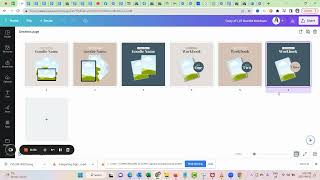
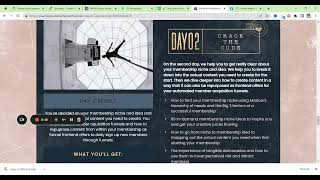
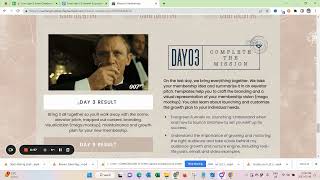
Next, I want to talk with you about creating your life launch event schedule. So kind of a timeline of important events within your life launch event. So you can click here and see that I've prepared templates for you and I consider these as like the minimum viable version of a lifelong schedule. So where you let people know what happens on the days and then if you do Community Cheerleader, you can mention that. If you do another a giveaway or quiz or something, you can mention that here and then also let people know when the challenge group closes and when your offer expires. So this is kind of a base layout and I want to show you from our, based on our last challenge what you might want to also consider. So here we had the the mission. So you'd want to say, you know, according to your theme, the quest or the journey or the challenge, you know, so and then day one, day day two, day three, what they're all about, when to join you live, other important dates. Like I said, if you have a community cheerleader or if you have a quiz or if you have both or we also did like a brand competition where people could submit their work and then they can could win that. We design it for their above default section and ads for their specific membership. And then we also have when the lounge offer ends and when the group closes. So those are kind of the things that you would want to have. Map it out when you'd want to have that. Typically you can see I prepared you would want to ideally announce the winner on day five and then the group should actually close on day seven. So that's.
A little bit wrong here. I need to correct this.
So you would want to have it closed on day seven.
Me see here just need to relink the correct one for you. So closing plus offer expires also communicate that.
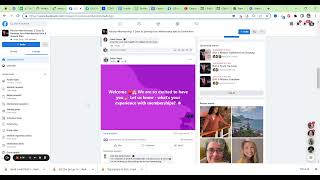
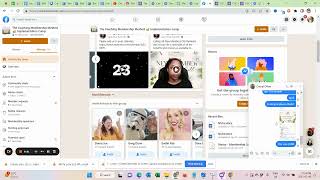
On day seven. This is a really good kind of schedule. As I said, if you want to do more than Community cheerleader or different events, and you can definitely do that about Community Cheerleader something quickly. So typically you were able to see in a group, let me show you this here. Maybe in a different group because this one is paused now. You could see engagement.
And there we were always able to see the top contributors.
Comments, reactions, active members. And here we were able to see top contributors. But I think this changed now. So Community Cheerleader will be really, really difficult moving forward. You would almost have to let people vote for that. So I think what we did in the last challenge with offering a quiz might actually be better because then you can.
Collect Things differently. So for the quiz, I also did a Google Forms quiz.
Membership owners terminology. And here you can see with sections I just broke up the quiz and here you see all the responses that we got and the scores of people. So a quiz might be the better way to add engagement component and add a giveaway. Then the community cheerleader. Now that Facebook removed this option. So I did the terminology cheat sheet. That's like 17 pages of terminology that membership owners should know. See here you can.
See edit this quiz.
And I outsourced it into a quiz because I didn't want to lose too much time during the life launch event. Just educating people on the terms. So I gave the terms on the evening where we opened up the group that was also a little bit of pre work added engagement. And then I gave this quiz. And what's the cool thing about Google here is that you can then download the quiz and you can see who had the most responses or who had the most right answers. And out of all the people that had the highest score, you can then draft, draw, draw with a random number generator the winners. So this might actually be the thing that I use moving forward instead of the community cheerleader. So again, I actually also want to win a quiz.
Send you already in the right direction here since. And this was something that hit me like completely unexpectedly during the challenge that was just gone that opportunity. So we actually had to let community members say who they think the cheerleaders. And then we also had to draft someone which is not ideal. Right. Ideally we want to work with the data like we can with a quiz. So please make sure to have your schedule. Then when you open up your group, what do you do with the schedule? Well, you pin it, you walk people through the schedule and you, you also have it in the guides. So I posted it and then I added the event schedule right after the welcome post in here to the first guide. And here see group opens. Introduce yourself live. I'm actually also going to.
Add this for you guys.
As a copy so you can see that.
Maybe we already have it.
Scheduled template.
Okay. Example event schedule template. Copy and then graphic template.
Okay, so this is what you'd want to do and what we want to communicate clearly to people so they have the right expectation. And that also helps you to establish the urgency around your offer right from the beginning. Okay, I'm adding this to the dashboard and I see you in the next video.