This is a YouTube video titled "Pardot Tutorial: File Hosting" containing a tutorial explaining how to upload and manage files within Pardot, including tracking interactions and integrating with Salesforce campaigns. The content is instructional and presented by a single speaker without mention of Milton Antony.
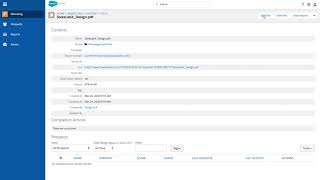
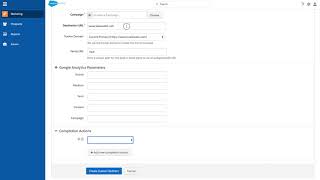
Welcome to Par Dot. To upload a file to par dot, go to Marketing Content Files and then click Upload. Once your file is uploaded, you can see all the prospects who have clicked on or interacted with your file, and you can see how many times it's been viewed by all users, not just cookie users. And you can add completion actions to all files here. We're going to add this specific piece of content to a Salesforce campaign every time it's downloaded. Another benefit to using par.files is being able to change the underlying file without having to change all your email templates that lead up to it. So if you have pricing that you need to change that's referencing multiple email templates, you can just change it once here and you don't need to change the URL in all the templates which reference this file. Now you click Save. Now your asset is ready to be leveraged across all platforms, including Pardot.