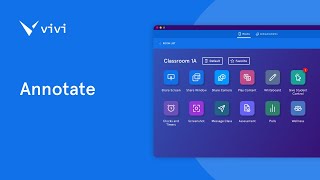
Vivi's Stream to Students feature broadcasts the teacher's display to every student's device so everyone gets a front-row view. Students annotate worksheets, color shapes, and submit work directly from their devices in one click.
Chapters
It's always a challenge as a teacher to make sure every student is getting the best view of your lesson. How do you make sure that the students in the back are seeing the lesson as clearly as the students in the front? Now with vivi's new tool Stream to Students, you can make any seat a front row seat. In today's lesson, students are going to review an octagon worksheet. They need to identify each octagon on the page. You start by sharing it with the class in the front of display and when it when it's time for them to interact with the content, your students can join the classroom stream simply by clicking a button. Now you've given them a front row seat to the lesson no matter where they're sitting. Using their device and vivi's existing annotation tool, they color in all of the shapes that are octagonal and then share it back with the teacher. With vivi, Stream to Students, you can increase student engagement and make any seat a front row seat. We can't wait to see what teachers do with Stream to Students.