6 Key Differences : Rehiring On Old Employment & Rehire On New Employment in SAP SF Onboarding

Dr. Niladri Bihari Nayak breaks down two rehire paths in SAP SuccessFactors: Rehire on Old Employment uses the employee data model and merges entities in the UI, while Rehire on New Employment uses the onboarded data model and merges in the backend first. SAP recommends RONE except for seasonal hires, and warns that future-dated terminations and onboardees assigned as supervisors before completion can stall workflows.
Chapters
Hello everyone. So we are today going to discuss one of the key features of onboarding. So that is a rehire scenario. Okay? So without any further delay, let me go to the mind map straightforward and I'll be showing you my screen. The mind map is there. Just a minute. This is a rehire scenario. I have already created a mind map for you to make it easy. So what you can see, there are two parts. Okay? So in the entire onboarding process, as we focus today we're focusing on the rehire process. There are two part one is into acronyms R O O E that is rehire on old employment. Second second one is rehire on new employee. So what is the key difference between this? Let's understand first, then we will go further. So whenever I'm saying rehire on old employment, right? So what does that mean? So let me go to the here. So it refers to your specific click on data model. The employee data model. It respects your employee data model. Whereas rehire on basically the new employment it will be respecting to your onboarded data model. There are two different data models. It will respect that onboarded data model, right? And if you refer the implementation guide as well. So they also the same the latest implementation guide, the chapter number 16 you'll be finding here is for the latest version and rewire for entire Whenever you're having a new employment, basically you will be added to the old person entity. The new employment entity will be added to the old person entity and you will be definitely having your other entities like user ID employment ID be generate once again. So you'll be having five different IDs here. EC will be having those personal entities like your national ID person ID employee ID will continue from the previous employment. But again other entities like 2id like user id and employee id will be generated again, right? So this is the thing you have to understand Rehab on new employment and there is a rehire on old employment. Whenever you are saying that means mostly it is used for seasonal hiring. Okay? And SAP recommends to use primary this rehire with new employment. It is not recommended to use old employment rehire with old employment unless having scenarios like seasonal hiring scenarios. Right? Then so now we here. So there are four things that actually SAP is saying here. Whenever you are doing this, you need to manually configure business rule to enforce any kind of a new employment. If you are doing okay. And second thing you might be thinking this is a one of the key question by asked by people profile inactive user search can already display the rehire after rehire and old employment is chosen before the managed pending hire MPH step, right? What does it mean? Actually? Okay, so let's explain it through a system. I will go to the my system and if you see in the system here, suppose if I'm going to employee profile or employee file, whatever you say it and let's say I'll be opening the employee and this is the person, the person name. And if I search around this person. Okay, so there is a here where exactly there is an option called include inactive users in search. So how do you search that opposite fact selecting this I can search anyone who is also let's say anyone who is a inactive user so that I can search for that employee, right? So what they are saying in this rehire scenario that whenever you are hiring basically a old employee. All right. Means in this scenario, second point is profile inactive user search. That means this one it will already display. It can already display the rehire after rehire and old employment chosen before the managed pending hat. So you'll be having different stairs, right? In a typical onboarding process, we have a managed pending higher stage, right? So if you have revisited, you are revisiting your typical onboarding process, right? So these are different processes of onboarding, right? So basically initiating onboarding data verification, task creation, there are different, different steps, right? So whenever you are having this scenario of a rehire case, what will happen before this person as per the statement it says because whenever the person is leaving the organization, he will be inactive, right? So before manage pending hire, so you'll be having a manage pending higher state. Before that in the inactive user search, it will be it can display that rehire employee. Okay, after rehire an old employment choose before that it will be finding that is the meaning here it is little tricky to understand. But if you have seen this in the employee central profile inactive user search. That means here if you're going to search in any inactive users, right? If you go here and I include inactive user search, that person will be visible before that. Okay, so that's the meaning of it. Okay, It's a little tricky, but this is hard. What understanding is. Okay, Another thing is future data terminations are not currently supported. If you are having any future data termination after a period of time, right? Where the last working days are planned for a future date, in that case also it will not it is not currently supporting. It is subject to change as we speak. It is not supported. Okay, so next one is onboard is maybe listed as supervisors or workflow approvers before they have completed the onboarding Process. Right. This may cause delays in workflow approvals and task completions. Okay. This is again a very important activity. You have to understand. Let's say the new hire, the rehire person onboarding we call, we consider as onboardies. So they are joining as a manager on after three months. Okay. But system and they are responsible for some kind of a workflow. Okay, let's say leave approval or any travel approval. Any kind of approval. So before they join they will be assigned as a. Those onboard is to be assigned as a supervisor for those workflow. But still they are not in the system. Right. So that is again a limitation I will say at this point of time. So till the join those approval needs to be weighted. So that is the kind of limitation at this moment we are having. And it can cause delays in the workflow approval or any kind of a task completions. If you are waiting for this point number two and point number four actually little tricky to understand. So I tried my best to explain. Still you have any doubts, you can let me know. Right? So. So to make it simpler, I have tried to create a mind map. I know it is very tricky. So what you can do so you can go through the mind map which I have created, I'll be sharing this in the communities as well. So there are two parts. So I've also color coded. Okay, so compare. You can easily compare rehire on old employment. That is this one RA O N E. I have created this acronym SAP didn't give that, but couple of notes. If we refer SAP notes they follow this naming convention R O O E. That means rehire on old employment. Okay. So from a data model point of view, if you compare this two things, okay. One is a rehire on old employment. Another rehire on new employment. Right? This is what we are talking about here. Right? So here you'll be finding basically rehire on old employment. It will follow employee data model. But here we hire on this one, okay. Or your basically it respect your onboarded data model. Okay. That is the main thing which you have to understand here. Okay. So now coming back here just a minute. Auto focus, let me on it. Yeah. So here if you see from our typical implementation states point of view, let me go there. Rehire process. If I go further in a rehire process, We talked about it basically the roo, right? So here the special employee data model, okay. However in the RO rehire on new employment data model it respects your onboard data model. Okay? So that is the difference. And the next difference is if you see here for Rehire on old data. Rehire on old employment. The rehar verification and rehar data review RHDR means REHAR data review are two different conjugative steps but they're tied to the same to do task. They're two different their steps. Okay, but those are tied to the same to do task. What is the difference here in the rehire on new employment RE verification and new hire data review. They are two separate tasks. Okay, so this is another difference we have seen then now coming to roe that is RE on old employment here RE verification and rhdr. That means RE data review must be completed by the same user. Okay, so this is the same user. But if you go to the ro, rehire or new employment RE verification and NHDR new hire data review to be performed by different users. Okay, that's another difference you have to remember. Now coming to the next difference regarding the data merge. Okay, so in case of RE on old employment data merge will happen only on the UI user interface for review. And the data is not saved to the system unless it is reviewed and adjusted by the rehear coordinator's user. Right? So remember, it is only happen on the UI for a review but that is not saved to the system unless it is reviewed. But in case of Rome, rehire on new employment data must happen in the back end first. Then is it reviewed by the relevant user whoever is the coordinator in the new hire data review stage. Right, so this is again another difference. The next difference is here in the rehire on old employment, both person data and employment or user data is merged actually. Okay, but rehire or new employment what will happen? Only person data is merged. Okay, so this is another different. The last difference is here post secondary has again doing a secondary hire check. NHDR and pdc. PDC means personal data collection. New NSTR means new higher data review need not to be completed again and would be skipped automatically in case of rehire on old employment. If you're doing a second rehire check. Okay, but rehire or new employment. So post secondary hard check NHGR and PDC to be completed. Again, this is a different differences we have seen and that also you'll be getting to know. So I just prepared some notes for that as well. Okay, so this you'll be getting in the community as well. Okay, so if you have not subscribed to the channel, go YouTube, you can subscribe now. And you'll be getting such a new videos almost every week. Okay, so that is my channel. Here you will finding YouTube.com my playlist that will be like your. That is your. Let me go there. So switch my account here. So you will find this is the my channel and in this you will be getting all the latest videos playlist. Okay. This is my channel. And here you'll be finding. We have almost. Almost 400 plus videos we have and it is growing and growing based on the student demand. Right. And you can go through those playlists. Whatever is suitable for you, whatever is relevant for you. Okay. And if you want to be part of the community you can always join School Success Labs Academy which is again paid community. And you can get it through this website School Success Academy. And we offer different. Different subscription based on your need and go to the onboarding module. It is part of your gold membership as of today. And you will be getting access to a. Not only the onboarding but at the same time we'll be getting access to the different other modules as well. It covers your platform fundamentals, core HR or hcm. Your position management, recruiting, onboarding, time and attendance management, citizen planning, pmgm. Right. And you'll getting all in the same package itself. Okay. It's a mentorship model and it is a lifetime access. You'll be getting like and subscription and also once you complete you'll be getting a success print certification as a token of appreciation for you. And the 300 hours plus it is growing. Okay. And also there are simultaneously we have asked me anything sessions on the upcoming every weekends it's happening. So these are different features you'll be getting and that's the way. Okay. So we can go through it and if you like you can always reach out to me and any further queries also you can ask to me. Right. So this will be. And this recording will be available and in the onboarding experience front. Okay. And there are also old edition which is still. SAP is continuing one morning one very soon in 2025. I think they will be commissioning for the reason I kept it. Otherwise my focus is always on this latest one. We call it onboarding nowadays SAP drop the onboarding tool Onboarding. This is onboarding to only and I call it in my platforms onboarding experience. Okay. So this is a track to look after and it has almost 70 different tracks and around more than 30 plus videos. Okay. Different resources and it's keep on growing. Right. So that's all about for today. And if you have any further queries you can always ask your questions in the community or if you're watching it from the YouTube you can always ask those questions in the comment section. Thank you. Everyone. And I'll be sharing. See you soon in the new video.
More from Dr.

SAP Procurement with SAP LeanIX x SAP Signavio Webinar | Architecting the Future of Procurement

Global Compliance Navigator by Dr. Niladri Bihari Nayak | SAP LeanIX Sep 2026 Contest Entry

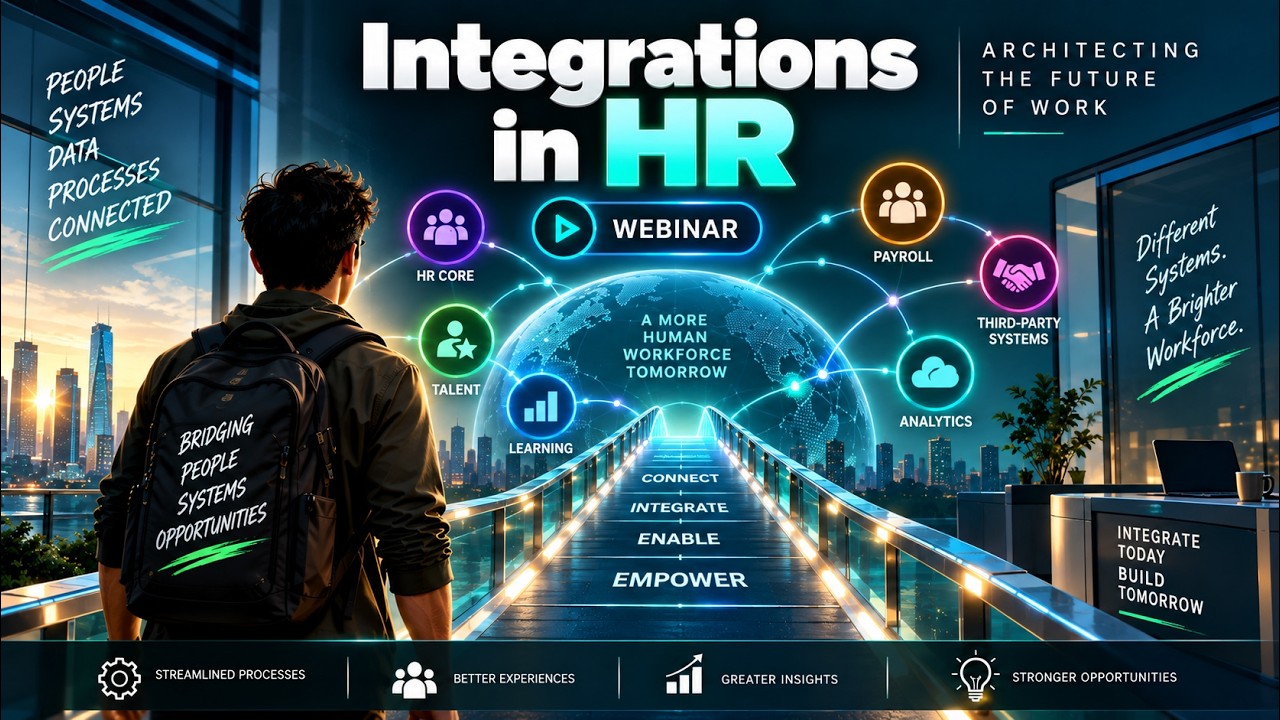
SAP LeanIX to SuccessFactors integration Webinar | Architecting the Future of Work

2027 Leadership for Enterprise Architects : What Changes ? | Architecting the Inner Transformation


Reporting in SAP LeanIX Webinar | Architecting the Future Autonomous Enterprise

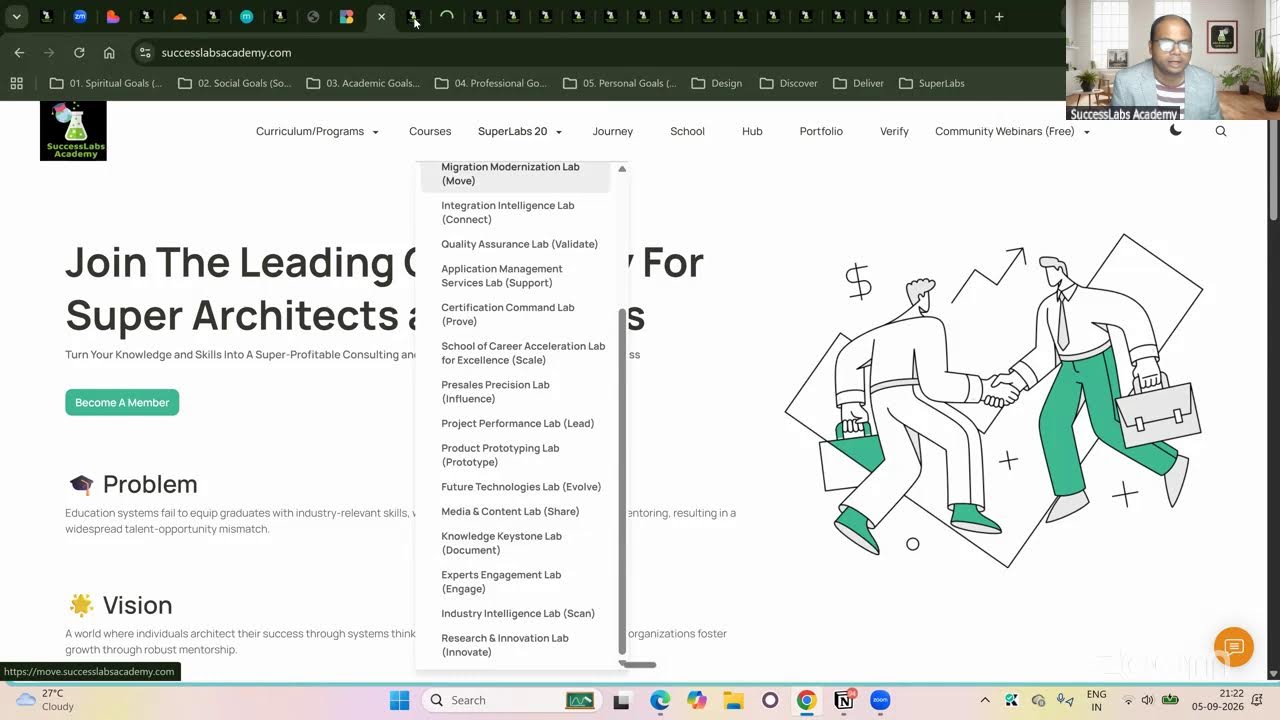
20 SuperLabs for Architecting the Future Autonomous Enterprise (Business Arch & Enterprise Arch)