Action Meet Up : Payroll - 21 Days Challenge - Hackathon Sprint
18 Aug 2026 · 40 min

40:09
Dr. Niladri Bihari Nayak launches a 21-day challenge to build an AI Codex for SAP SuccessFactors Employee Central Payroll using Notion AI. Participants will replicate the workflow from a previous Employee Central project and track progress through the SAP Activate dashboard.
Chapters
More from Dr.

youtube.com
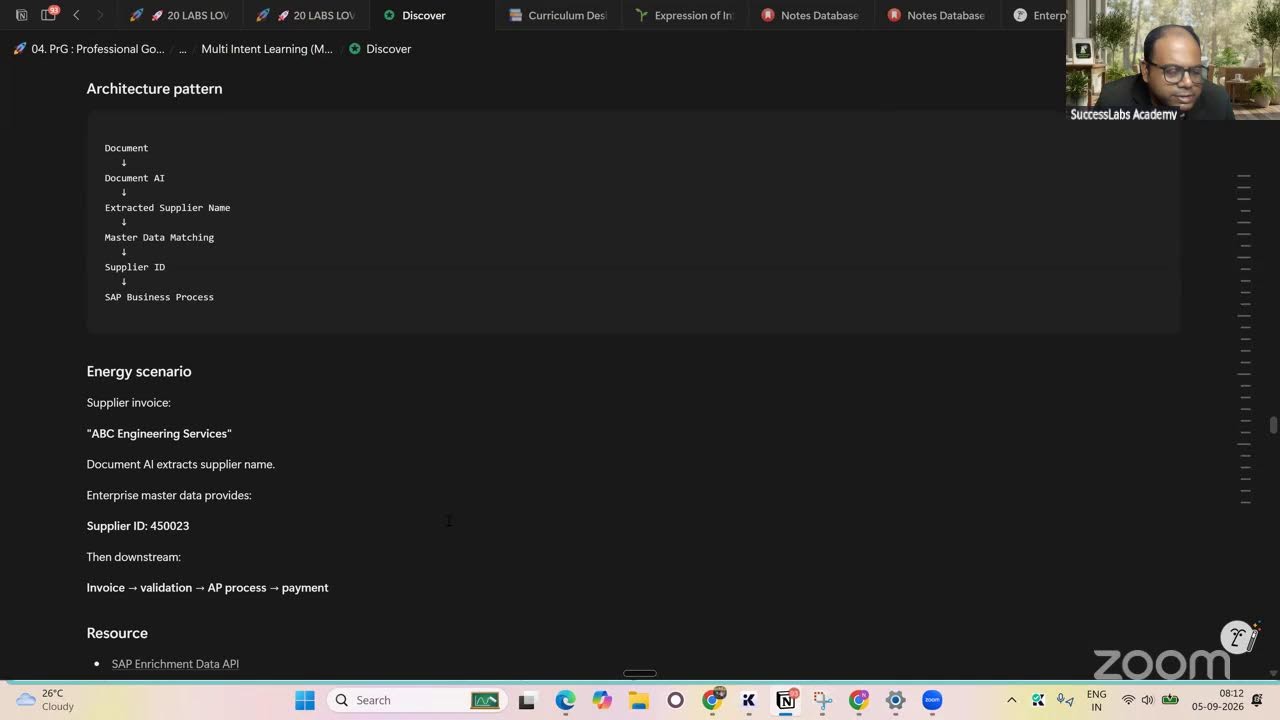
SAP Procurement with SAP LeanIX x SAP Signavio Webinar | Architecting the Future of Procurement
4w ago

youtube.com
Global Compliance Navigator by Dr. Niladri Bihari Nayak | SAP LeanIX Sep 2026 Contest Entry
1mo ago

youtube.com
SAP LeanIX to SuccessFactors integration Webinar | Architecting the Future of Work
1mo ago

youtube.com
2027 Leadership for Enterprise Architects : What Changes ? | Architecting the Inner Transformation
1mo ago



youtube.com
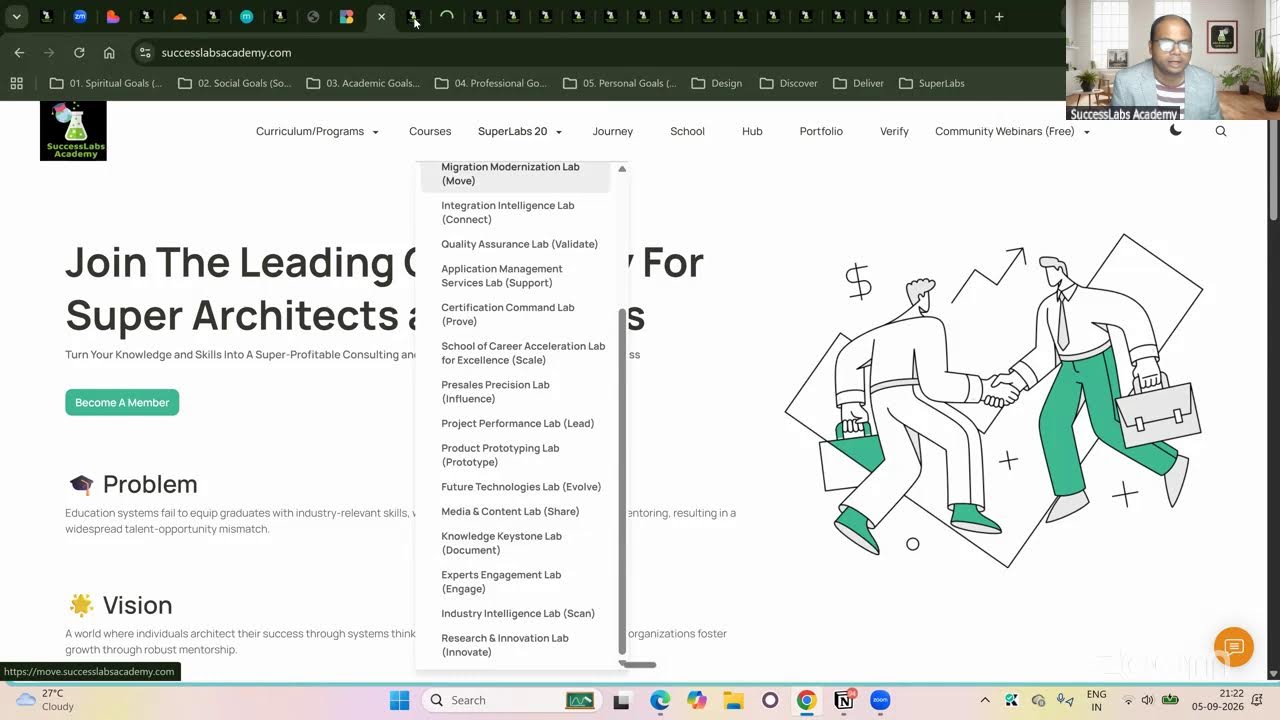
20 SuperLabs for Architecting the Future Autonomous Enterprise (Business Arch & Enterprise Arch)
1mo ago
See all content