How to Find AEA Membership Id in Global AEA Community
23 Jul 2025 · 2 min
1:44
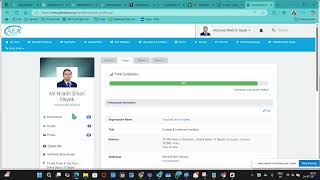
Dr. Niladri Bihari Nayak walks through finding your AEA membership ID on globalaea.org. Log in, go to Invoices → Membership, and click View/Print Membership Card to see your number. You'll need it for event registration.
Chapters
More from Dr.

youtube.com
SAP Procurement with SAP LeanIX x SAP Signavio Webinar | Architecting the Future of Procurement
4w ago

youtube.com
Global Compliance Navigator by Dr. Niladri Bihari Nayak | SAP LeanIX Sep 2026 Contest Entry
1mo ago

youtube.com
SAP LeanIX to SuccessFactors integration Webinar | Architecting the Future of Work
1mo ago

youtube.com
2027 Leadership for Enterprise Architects : What Changes ? | Architecting the Inner Transformation
1mo ago



youtube.com
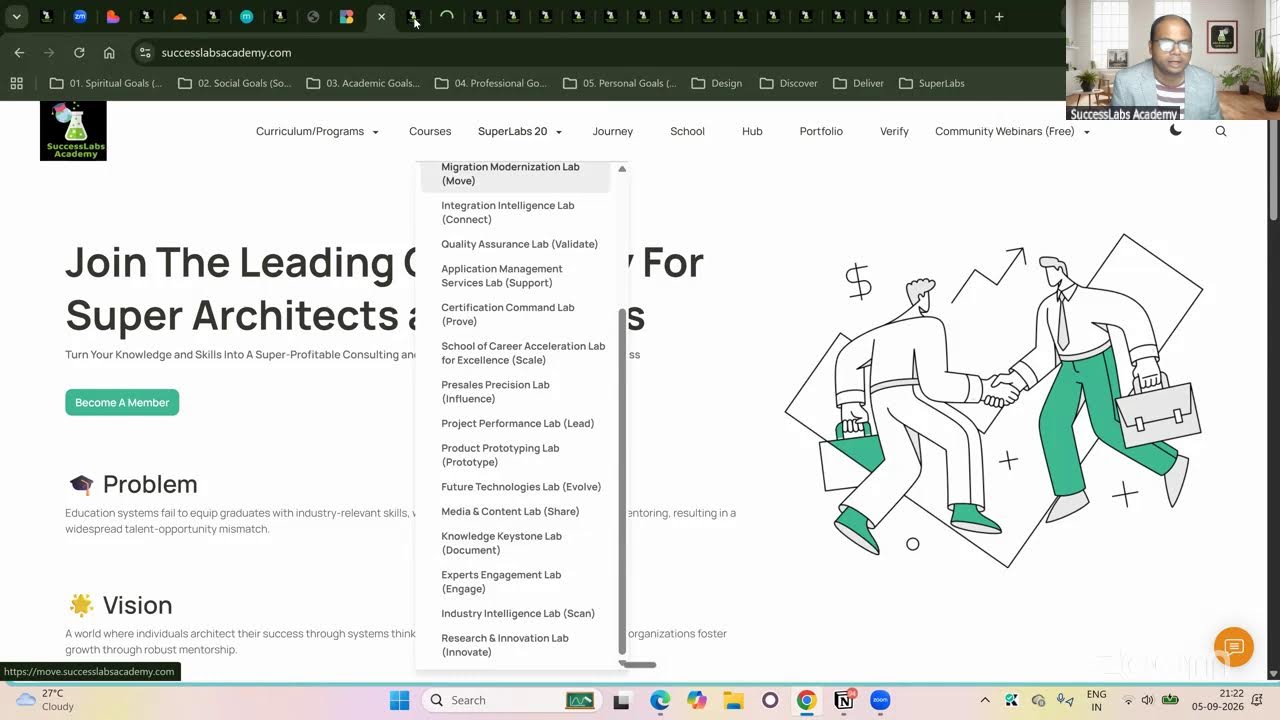
20 SuperLabs for Architecting the Future Autonomous Enterprise (Business Arch & Enterprise Arch)
1mo ago
See all content