A brief tutorial (spoken) by Dr. Niladri Bihari Nayak showing how members can find, register for, and join live classes on the SuccessLabs Academy portal. The video explains where to locate "Upcoming live classes" and the learning calendar, how to register (including first-time registration), and that Zoom links are provided automatically after registration. Example session dates/times mentioned are 29th–31st January with sessions on 30th January at 7:30am and 8:30am.
Chapters
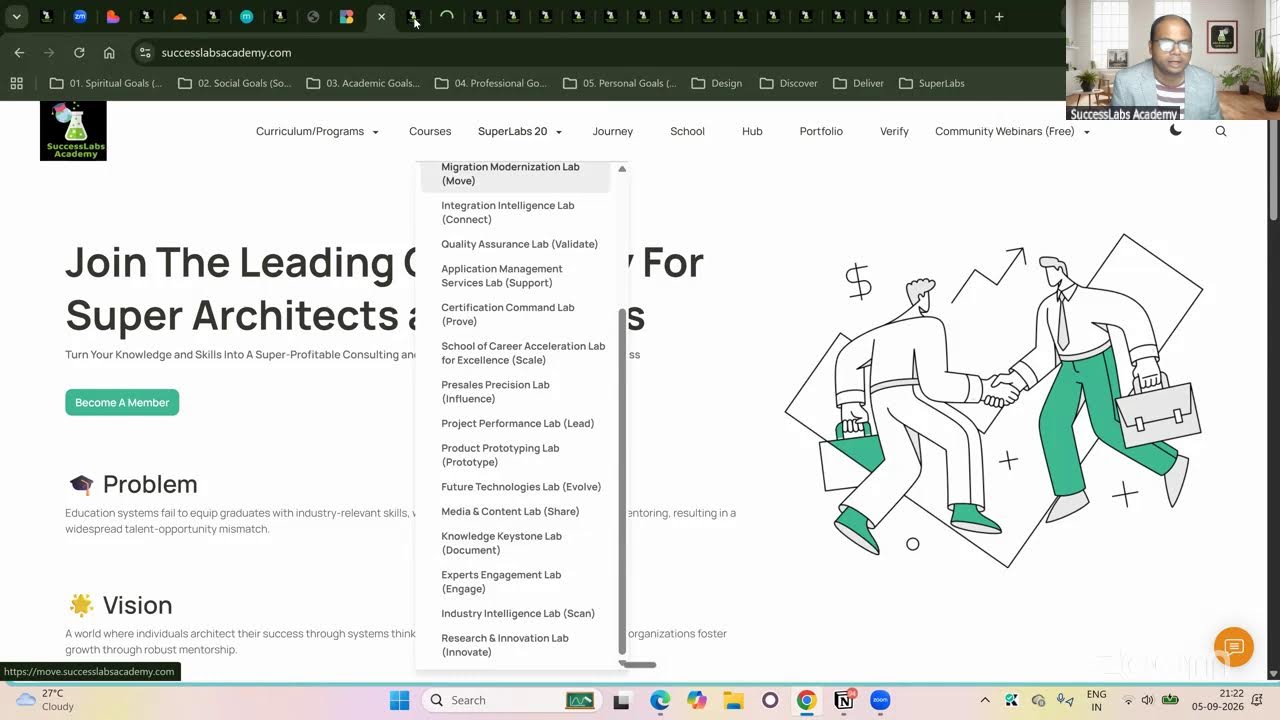
Everyone. So I would like to showcase how do you access your live sessions so from the platform. So if you are a members and definitely go to the school.successlabs academy.com login to your portal and if you scroll down there is a section called all courses. If you scroll further and further there is a section called Upcoming live classes. Okay, Upcoming live classes. Here you can see learning and employee Central. Currently we are ongoing sessions on this and also there you can see there's a countdown timer in how many next hours it is. So today is 29th of January. The next session is on 30th of January, 7.30am The LMS session. And there is for employee central. Also we have another session in the 30th of January in 8:30am okay, and if you go further, if you want to bookmark the calendar, learning calendar, go there. Make sure you are choosing a list so that it will be easy for you to navigate. If you click list here, okay, then you will be finding here the in which session is happening when. Okay, so today is Monday and upcoming sessions you can see the 30th of January and 31st of January. Okay? And if you go there, if you click any of this you will be getting an option to register. Okay, so once you register any of these sessions, okay, you will be getting a click that link registration option will be there. It is a live class tagged as a blue. Okay, and simply if you click register it will be taking to a page and where you can register for that particular stations. Once you register automatically you will be getting a link there and that link will be taking you to the zoom link. You do not have to wait for a zoom link for my site to have a session on that. Okay, so simply you can choose your registration basically the email ID which you have used. Okay? And there is an option and simply do that and you will be getting a notification for that. Okay, suppose I am a new user. I for the first time I'm doing a registrations. Okay, I will be let's say choosing another id. Let's say I will be using my other ID for now for a demonstration purpose. Click continue and it will be asking you for your registration for free. So actually this is for the initially people who are doing for the first time registrations and all very are very new to the platform. We are just using for a demo purpose. You are attending a demo session for you maybe. Okay, so I will just put my name IDs here and Nilabri and I will choose my last name and I will choose my password. I will click submit. Then I will be getting notifications to attempt the sessions and all and there will be live class link. Okay, so this link you can copy and you can save it in your somewhere. Otherwise you'll be getting notifications as well. By the time you are ready, you come to this link. Okay? And maybe some other platform. I will quickly show you other browser and simply go there. So let's say I will choose this option. It is now showing waiting because the class has not yet started for the reason it is showing the countdown timer still is running here. Okay, so once this time is up so it let's say it becomes the 30th of January 8:30am serv there will be a link activated. You can go to the direct link and you can attend the session seamlessly. Okay, so you don't have to wait I send a zoom link. Once you register automatically the system automatically taking care of it. Which how do you attempt the sense? Hope it was helpful. So so similar way can follow the process and you will not be missing any of the sessions in the upcoming days. Okay, so thanks for joining in. And if you have not members of my platform, you can always take the memberships and you can attempt unlimited sessions throughout the year. And based on the live sessions which are conducting at present, we are conducting employee central and LMS and we will continue the other modules also in the future. Okay, so that's it for today. Thanks everyone.