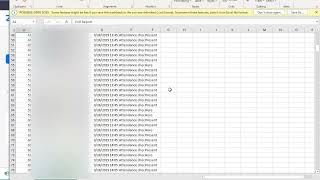
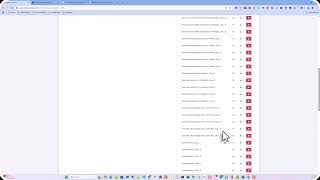
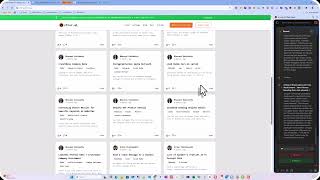
Colin Brown shows how to pull poll results from a Zoom webinar using an admin account. Navigate to Admin, Account Management, Reports, Usage Reports, select your webinar, then Poll. You'll get a CSV with timestamps, respondent names, questions, and answers.
Chapters
In this quick session, we're going to show you how to get the poll results from Zoom. So I believe you're going to have to have an admin account because this shows under admin. You go to admin, account management, reports, then you get usage reports. You can say webinar, then go to poll. Choose the date and then go find the actual results you want. Let's choose that one, for example. And once you select the presentation, you'll click on Generate CSV. Goes out, generates the data, and then you can see the results. The time that it was submitted, and who submitted it. So if we want to track more than just, you know, all the way to the bottom here, there were 22 participants, so this one is a long one. We'll be able to see that Jerry You know, this would be the question and then this would be the answer. So if we want to poll them, we would want to change those— that final poll to be their rating of the overall event. So there you go.