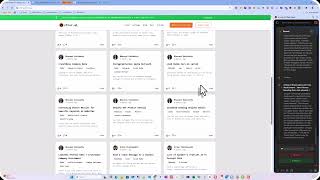
Colin Brown walks through setting up social media accounts in eBiz Suite's Marketing > Social Planner. You'll learn how to add a YouTube account with verification, then see why posting images works across all platforms at once while videos need platform-specific formats like Instagram Reels or LinkedIn video.
Chapters
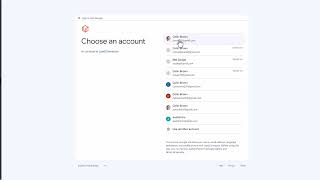
It's real easy setting up your social media accounts to post automatically. So to do that, you go to marketing, then social planner. The first time you go there, it's going to show you all the different options for the social media platforms that we support, which is basically all of them. If you've already got 'em set up like I do have here, you can go ahead and click on that little caret there. And then you're going to click on Add Account. You can see I've already set up Google My Business, Facebook, Instagram, LinkedIn. I'm going to go ahead and add a new one, which is YouTube. Select the YouTube account and continue. Once it's verified, you can close that down and you now have your YouTube account associated. If you're just posting images, then you can go ahead and send these all at the same time. If you're doing video, you could do Instagram Reels, you could do LinkedIn video, and then of course you've got YouTube.