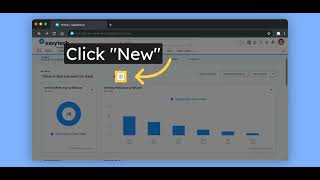
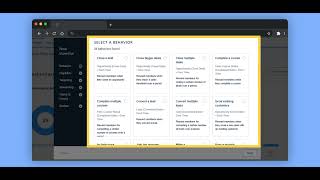
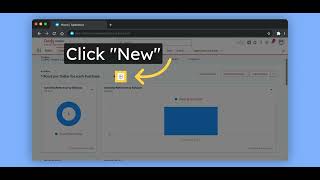
Fielo's Command Center shows analytics across four tabs: Program tracks member counts and engagement; Incentives displays activity and rewards; Members breaks down segments and trends; Financial covers currency flows. All metrics are documented on the Fielo site.
Chapters
In this video, we will show you Fielo's out-of-the-box analytics on each of the Command Center tabs. Here we have metrics focused on the program's performance. Metrics about how many members and on which month of the year they joined the program, how many members are engaged and how many are not, which activities are being performed by behavior and their frequencies by month. Going to the Incentives tab. We will have metrics focused on the incentive selected on the screen, how many activities were performed on each month, and how much was given in rewards. When we go to the members tab, we'll see metrics about the members themselves, how many are inside a specific segment, top engaged members, engagement improvement on each month, members grouped by status, how many are active, inactive, blocked, banned, and merged, total activities per behavior, etc. And inside the financial tab, we'll see metrics all about the currencies in the program: how much was given, how much did currencies and redemptions cost, if they have expired, and so on. Everything covered in this video is publicly documented. For more information, check docs.fielo.com.