Learn how to build a gamified challenge in Fielo by setting up missions with specific goals, object-record criteria like purchase actions, and rewards that trigger after completion. The tutorial walks through the Incentives tab, configuring the "Comfiest" challenge, and tracking performance in analytics.
Chapters
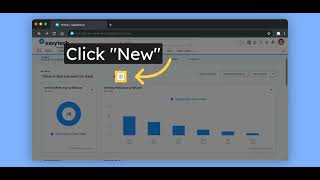
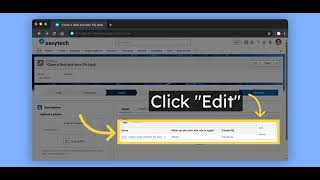
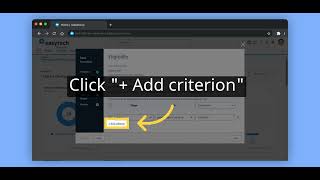
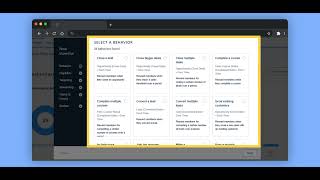
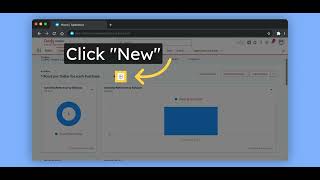
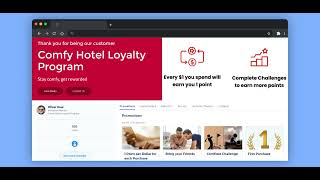
In this video, you will learn how to create a gamification inside Fielo. Inside the incentives tab, you can create promotions and challenges. Let's check the Comfiest challenge. In Fielo, you can gamify your members giving them missions they need to complete before rewarding them. You can configure one action multiple times or multiple actions. Let's check the mission about purchase. Here's how you can create or edit a mission. This page allows you to give it a name, description, a start and end date if needed, if it's a mission with a fixed goal or not, and if this mission will have a leaderboard. On the next page, you will decide the object record's criteria to meet this mission. Here we just want the information to be a purchase. You can add minimum value, a date range, etc. On the last page, you can change the mission goal to count how many records are needed to meet the criteria before completing the mission or how much in value the member needs to achieve. In this example, we brought value. And there you go. Now you have created your missions inside the challenge. You can reward your members for each mission accomplished or one reward for all of them. Let's have a look. In this challenge, we are only rewarding the member when they complete all the missions in the challenge. Let's open the rewarding. Here we are deciding that all the missions below should be accomplished before rewarding. Scrolling down, we decide how many times the rewarding will happen and what will be the reward. In this example, we are giving a discount card. After this, your challenge is ready to go. Just activate it if you haven't and check how this challenge will perform with our analytics. To find out more, please check our public documentation at docs.fielo.com.