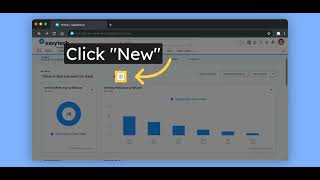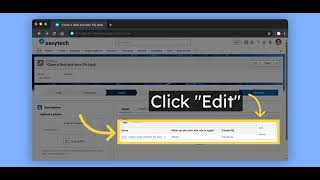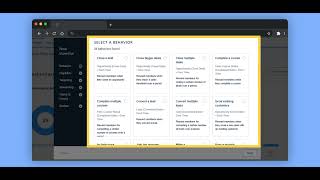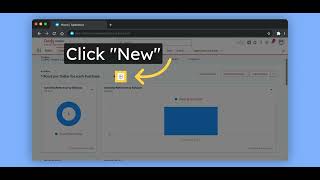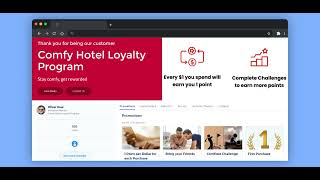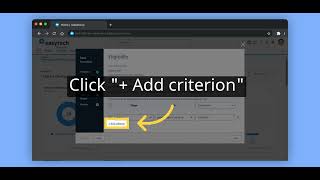
The video provides a step‑by‑step walkthrough of creating an incentive using Fielo’s Behavior Library. It starts by opening the Incentives tab, which launches the Behavior Library Wizard. The narrator selects the built‑in "Close a Deal" template, then demonstrates editing eligibility criteria by adding Opportunity fields such as fiscal year and fiscal quarter. On the targeting screen, the incentive is limited to gold‑level members (and optionally specific segments). The rewarding tab shows how to assign a cash reward. The creator then sets the incentive name and period (ongoing or with an end date) and finally reviews the configuration before saving and activating the incentive. Viewers are directed to the public documentation at docs.fielo.com for more details.