Step-by-step guide to building a B2C loyalty program in Fielo. Set up program tiers based on points or purchases, create segments for targeting, and build promotions using templates with eligibility rules and rewards. Activate and monitor performance in the platform.
Chapters
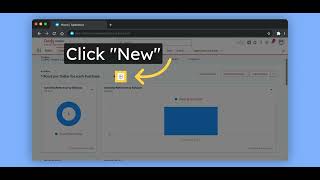
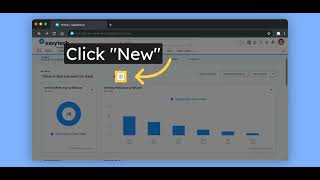
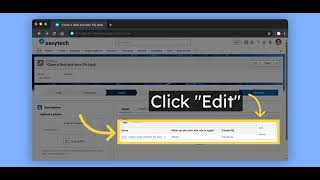
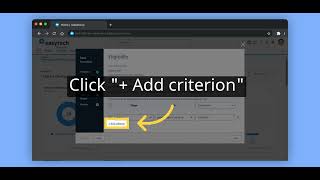
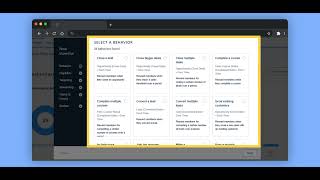
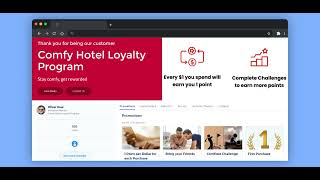
Here's how you can create a B2C program inside Fielo. This is where you will start your configuration. Let's create a new program. The wizard will pop up, give the program a name. After deciding the name, click on Save and Continue. Choose the levels or tiers that will be part of your program. We have some default values that comes from the package. You can change them to your liking. They can be based on points, member activities such as purchases, and more. After tiers, we have segments. We have some already configured segments that might be interesting for your program. You can use these and create more from scratch. They will be used for promotions and rewards. And now you are ready to create your promotions. Clicking here, you will open our behavior library. Here you can choose from our library of already configured templates or create your own. You can save your creations later as new templates. And then in some clicks you can choose your template. Decide what will be eligible for this behavior. Who will be part of this promotion. What they will earn after completing the criteria and if the reward expires. A name for your promotion and a date. And there you go, this promotion is ready to be activated. After activating, check how your promotions are performing and how your members will see the program. To find out more, please check our public documentation at docs.fielo.com.