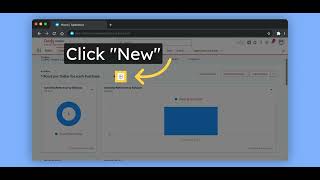
Fielo's Lightning Web Components are drag-and-drop, responsive, and work on desktop and mobile. The walkthrough shows Champion tier progression, nudging, incentive pop-ups, progress bars, activity history, a compact assistant widget, and e-learning components. All are documented at docs.fiello.com.
Chapters
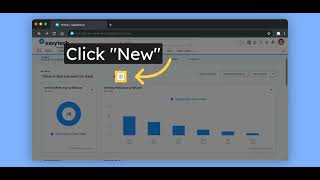
In this video, we will show you Fielo's out-of-the-box Lightning web components on mobile and desktop. Here we have one-page example showing our Lightning components on desktop. They are drag and drop and ready to use. And here's the mobile view with some of our Lightning components. All components from our package are responsive and their style can be changed easily with CSS. Here's how you can toggle between an individual and an entity member. You can toggle back anytime. You can also click on the Champion tier, your next tier, to check what you need to complete to tier up. You can also check which benefits will unlock for you. And this is how our nudging component looks like in mobile. Clicking on an incentive, this window pops up. Here we have the incentives overview. What you need to do inside rules. And what you will earn for completing those rules. We can also show progress bars and multiple rewards. As soon as you complete those rules, you will be congratulated with a popup. Here you can check your activity history. Our assistant, on the right side, can also be placed on important pages, It is compact and can always be opened clicking on our logo on the bottom right side. And here's a glimpse on how our e-learning component looks like in mobile. Everything covered in this video is publicly documented. For more information, check docs.fiello.com.