Claude Just Changed Recruiting Forever! (Tutorial)

Recruiter Mohammed Adris shows how Claude automates recruiting workflows: monitoring job changes with Apify, generating LinkedIn posts from emails and call recordings, writing job ads from historical data, building personalized email sequences, and creating SOPs from video walkthroughs. He reports 3-4x productivity gains and emphasizes human checkpoints to catch AI errors.
Chapters
Claude has changed how recruitment agencies operate overnight. We have all used AI to write emails or even summarize notes, but what Claude does for a recruitment business is on a completely different level. It handles lead gen, cold outbound, personalization at volume and scale. It can even screen candidates, build internal assets, SOPs, things that used to take an entire team, sometimes weeks of manual work, are now done sometimes in minutes. I've been spending the last few months testing Claude across my own agency. We do six figures a month, and I found some specific use cases that genuinely compress the work in ways that were not possible before. Things that open up real operational leverage that no other tool I've tested could actually handle. So in this video, I'm going to show you a few use cases that actually are generating more sales and saving time and share with you how you can build them for yourself. The first is monitoring hiring signals. And even candidate job change alerts. And what's interesting is this is the same thing that a lot of Clay users were using. And for those of you who've been following me, you'll know that I wasn't a huge fan of Clay. I thought it was a little bit overcooked. And now we're finding out that a lot of people are just canceling Clay because you don't need it anymore. And I wanna explain to you how this happens. Let's just assume that you are using Clay. Ultimately what Clay does for you, it's going to monitor a load of triggers that you might set. Simple workflow. Let's just say that you are somebody who recognizes a company advertising a job, and then you find the hiring manager, find their email address, send them an email. That's just the workflow you had in place. With Clay, you could set that up as a routine task, meaning that Clay would instantly recognize a job being advertised, find the hiring manager, find the email address, and then write the email out for you. What would be even better is that it would personalize that email for that specific client. Amazing, great workflow, except that for those of you who use Clay, you'll know that it burns through a decent amount of credits and the usage costs start to really build up. And this is where Claude comes in because for most use cases in that particular workflow that I know a lot of Clay users were using, what they would do is build out the workflow so that it has the email ready to be sent and it waits for you to hit play. Clay would go ahead, find the vacancy, identify the hiring manager, find the email address, write the personalized email, and then it would sit there because you're not gonna be sitting there monitoring Clay all day. You wanna be checking like, is it the right kind of job? Do I already work with the client? And once you've checked everything off, then you hit play and it sends out the email, maybe even builds out a sequence. Amazing. Except because you're paying for Clay credits and now it just sits there where Claude comes in and completely changes the game. Is instead of you using Clay to provide you live active feedback, which you won't send until you press play on that button, use Claude and Apify and give Claude the context of where you look for jobs, what kind of jobs you look for, how you identify the hiring manager, and what makes a really good email based on previous emails that you've sent before where you've got a really good reply. So now all of a sudden, Claude with Apify, which is a built-in plugin that connects in and it scrapes data from LinkedIn and a load of other sources as well, the only real difference for this particular use case for Clay versus Claude is that Clay would instantly generate the result, whereas Claude generates the result based on a routine checkup that you set. So if that's a daily scrape or a weekly scrape, either way, it gets you the exact same result for a fraction of the cost compared to Clay. And that's literally the entire process, meaning you can have Claude build out a workflow that recognizes your ICP, your client, the type of companies that you recruit for, the geographic locations that you're fixated on, scrape all of that data, build out a personalized email, find the actual email address, and then have it sent to your preferred sending tool, ready to go, all on autopilot, running on a routine basis. And you can have it cross-reference information from your own CRM so that you're not doubling up on emails that are going out to clients who you already have had conversations with. If you want to set this up for yourself, just go into Claude Chat and explain to it what you're trying to do, meaning that you want to replace Clay. Explain to it the context of what the workflow looks like, feed it the emails that you're actually sending, or even if you're not using this workflow, you can still feed it all of the data and it will build it out for you. There's one use case. Lemme give you another one. One of the things that everyone believes that they should do as a recruiter, but they always seem to fail or struggle or struggle to find the time to do so, is write content, write LinkedIn posts. And the ideas for where you get your LinkedIn posts from are going to be from the conversations that you're having with your clients and candidates. So if you're not using a note taker to capture the conversations you're having with clients and candidates, you're already missing the boat. But you should be making notes somewhere. Either way, you've got two places that can get you some information. One is the notes on your CRM or wherever you store that data. I'm gonna throw in a third one actually. Second is your emails, and third is the call recordings from your note-taker. So why not have Claude do exactly that, which is scan your emails, your recent conversations, your Slack messages, and your note-taker, and extract really good post ideas that you can post on LinkedIn and prepare them for you? That as a workflow will help you generate LinkedIn posts indefinitely, and you're never going to run out of ideas if you keep that running consistently. And if you wanna level it up a whole lot higher, you can have Claude scan those conversations, which would usually send an email summarizing the notes, and it can extract the most important information that you need as a recruiter and add it onto your CRM on your behalf without you even trying. Let's give you another use case. This is going to be an example of where I've actually fired an employee because I no longer found use for them. We had an in-house copywriter who would write all of the job adverts that we would then go and advertise on our website, and there was always some challenges along with it because the recruiters, they were so busy with arranging interviews, they sometimes struggled to put all the information together that the copywriter needed, and there was a little bit of chasing that happened back and forth. And once they had all the information, copywriter would produce the ad. And now we have our CRM. And if you want to know which CRM we're using and the tools that we use, then below I've left you a link to my school group. I list all of the tools that I'm playing around with and what I'm doing with them in there. But nonetheless, our CRM has a built-in plugin where if you register a job on your CRM, it automatically updates it onto your website and it shows it there as well. So now the copywriter was extracting as much information as they could out of each recruiter, writing out a really good job advert, and then putting it back into the CRM and having it set so that it would be visible on our website. So basically candidates could apply. What I did is I fed data from all of the previous job adverts along with all of the data that we have on each individual company, along with data that we've received and even delivered from a training perspective on how to write good quality job adverts. And when I package all of that together and I fed it all into Claude, we built a skill around it. It now writes amazing job adverts. So now as a routine task that we have in play is that the recruiters, they only need to register the job on the CRM. Within 48 hours, there's a job that is produced and it's posted on our website. And that brings me on to one more thing. Imagine you're running either an exec search campaign or you need to build an extensive lead list. Of clients or candidates in any given location, any given market. Claude can now do that for you. It can scrape data, it can find things on LinkedIn, it can find points of contact, it can even find email addresses and phone numbers. And it has all of the plugins. Even Apollo plugs straight into Claude and it can extract all of the information for you. So yes, not only can you get Claude to build a list of clients and prospects and candidates that you can target, but also then go one step further and write personalized emails to every single one of them, even build a sequence of personalized messages that you can plug into an automation tool straight onto LinkedIn. So from a use case perspective of AI tools, this is by far the one tool that I'm the most excited about using because it can literally plug and play with just about everything. It can understand your niche and your goals and what you're targeting and even propose and suggest new ideas for you about how to make things more efficient. And I'm saying that being this excited about Claude considering I'm a little bit anti-tech. I don't want that to come across like as if I don't like tech. I love tech, but I don't like having 75 different subscriptions coming out my account. I would rather use a minimum viable tech back. So I'm always reluctant to add new technology tools if I can already got one in play that serves the exact same function. But this one, Claude, I had to add it to the list. It is so good. And now I want to give you one more, and this is actually my favorite. Once upon a time, I used to handwrite SOPs. I used to record Loom videos, screen recordings of exactly what to do step by step, places that I can go wrong, all the different possibilities. Except now, instead of recording the instructions, I record myself doing them. And in some cases where we might not have a specific playbook ready for how to use it, I just record a Loom video talking to myself explaining all of my thoughts about what's going on, what could go wrong, how things might break, what could work, what could go wrong. And I just record a selfie-style video explaining all of those things. Then I plug it into Claude and I ask it to critique my work and build an SOP around it. And guess what? It builds me an SOP. And now we are standardizing processes and procedures in the Italian business at a rate that I wasn't able to do before. So yes, my productivity is now 3 to 4x more than what it was just a few weeks ago. And these are some of the use cases that I've found in the last few weeks that have provided me like the most amount of value and the biggest amount of impact on my business just by starting up the software and getting to know it, getting going with it, and getting everything implemented. And the best part of it is we've been running our business for over a decade. So for every single part of the process, for when I build an AI process that's going to build email campaigns for candidates that we're going to be working on, I have 10 years worth of data on the best open rates, the reply rates, the subject lines, the body, what was attached, what wasn't,. And when I put all of that into Claude, now for the benefit of our recruiters, they're going to have pre-made email campaigns based on 10 years' worth of data of what works, ready to go the moment that they have a candidate ready. So just think about that for a second. If you're working as a recruiter, once upon a time you would take a call from a client or a candidate, add the notes onto the CRM, register the vacancy, find a candidate, prepare the CV and edit and format the document, then prepare an email campaign, then launch it. Compared to what I've just described, a several-step process, that's now one step, which is gonna be a click of a button and all of a sudden all of your notes are on the system, the job is registered, the candidate has been sourced, the email has been produced, and the campaign has been launched. Yes, there's going to be some human-in-the-loop checkpoints that are going to happen. I'm not going to completely hand this over to a robot because I have seen AI can hallucinate at times and sometimes it can make mistakes. But a skilled recruiter who knows their niche and knows their market, this is going to amplify the heck out of absolutely everyone. And I've never been so excited about recruitment. Now Claude is the tool that I've been playing around with more than any other tool. Like AI is basically occupying about 50% of everything I'm thinking about in my recruitment business at the moment, but it's not the only tool or the only AI tool that I've been using in my tech stack. So if you want the wider picture of every AI tool I've used and tested for recruiters, including the ones that have earned the spot on my workflow, this is the video that you want to check out. It runs through the full landscape so you can see where Claude fits in and where the others actually pull their own weight.
More from Mohammed





How to Build Client and Candidate Relationships That Make You Impossible to Replace
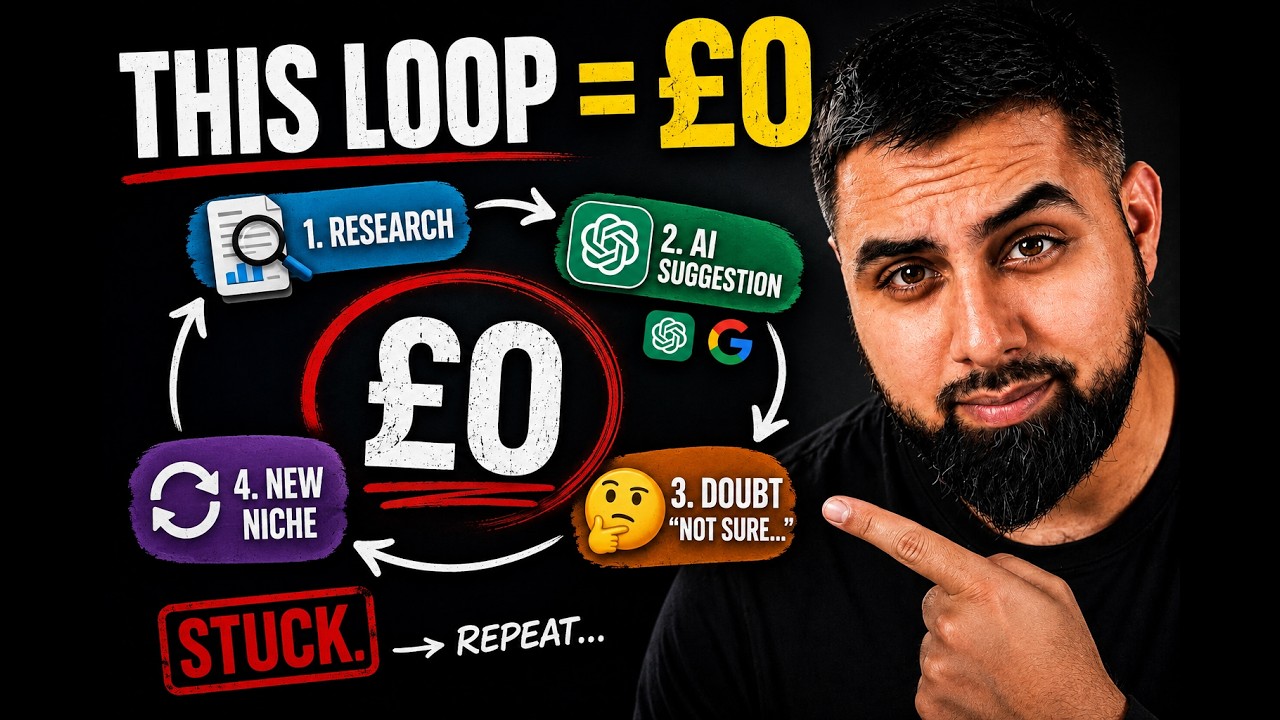
The Real Reason You're Afraid to Pick a Niche And What It's Actually Costing You