How to scan a QR code with an iPhone
7 Mar 2019 · 0 min
0:21
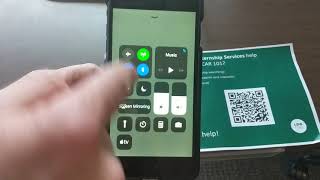
Rob Bagley shows how to scan a QR code on iPhone. Open the Camera app, point it at the code, tap the banner that pops up at the top of the screen.
Rob Bagley shows how to scan a QR code on iPhone. Open the Camera app, point it at the code, tap the banner that pops up at the top of the screen.
Okay, this is how you use an iPhone to scan a QR code. So you get to your camera app, and then you hold your iPhone over the QR code, and then you see how it pops up this little thing at the top? When you touch that, it takes you to the website that, that's associated with the QR code, and that's it.