How to use a QR Reader / Scanner on Android
7 Mar 2019 · 1 min
1:00
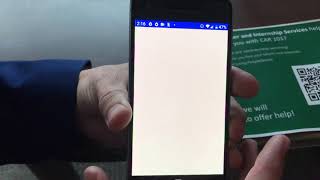
Rob Bagley walks through scanning a QR code on Android: download the QR & Barcode Scanner app from Google Play, open it, point your camera at a code, and tap the link that appears.
Rob Bagley walks through scanning a QR code on Android: download the QR & Barcode Scanner app from Google Play, open it, point your camera at a code, and tap the link that appears.
All right, this is how you use an Android phone to scan a QR code. If you don't already have a QR code scanner, you're going to want to open up the Play Store and type in QR scanner. Now I like this one, QR and barcode scanner, so you'd open that up You'd install that app, and then when that's done installing, you're gonna open up the app and allow. Now you've got this camera. So then you hold the camera over a QR code, and did you see how it popped up a web address? Now you click on the web address. And it takes you to the survey or the website that's associated with the QR code. And so that's it.