How to Duplicate Products in the Product Catalog on Surefront
19 Dec 2023 · 1 min
1:03
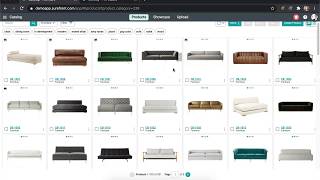
Learn how to duplicate products in Surefront's catalog to quickly build multi-SKU assortments. Select a product, click Duplicate, and rename the SKU. You'll reuse about 90% of the product information and only need to change roughly 10%.
Chapters
More from Luke









youtube.com
THE COMPLETE GUIDE TO PLM IMPLEMENTATION I PART 1: SHOULD YOU INVEST IN PLM SOFTWARE? (4K UHD)
2y ago

youtube.com
THE COMPLETE GUIDE TO IMPLEMENTATION I PART 2: HOW TO PURCHASE THE BEST PLM SOFTWARE (4K UHD)
2y ago

youtube.com
THE COMPLETE GUIDE TO PLM IMPLEMENTATION I PART 3: HOW TO IMPLEMENT PLM SOFTWARE (4K UHD)
2y ago