1:04
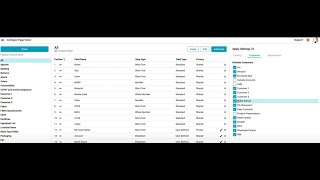
Learn how to filter products, quotes, or orders in Surefront by opening the filter tray, selecting attributes, and combining multiple filters for precise searches. Save your filter configurations to reuse them later, and remove filters by clicking the X on each attribute.
Chapters
More from Luke








youtube.com
THE COMPLETE GUIDE TO PLM IMPLEMENTATION I PART 1: SHOULD YOU INVEST IN PLM SOFTWARE? (4K UHD)
2y ago

youtube.com
THE COMPLETE GUIDE TO IMPLEMENTATION I PART 2: HOW TO PURCHASE THE BEST PLM SOFTWARE (4K UHD)
2y ago

youtube.com
THE COMPLETE GUIDE TO PLM IMPLEMENTATION I PART 3: HOW TO IMPLEMENT PLM SOFTWARE (4K UHD)
2y ago
See all content