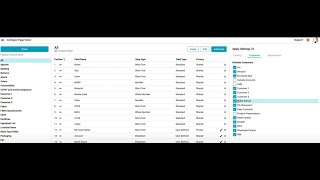
Surefront Department and Category Workspace Rollup With Analytics
8 Oct 2024 · 1 min

1:21
Surefront lets managers see product development and orders across departments, then roll them up for a company-wide view. You can build custom dashboards that show shipped order status and financial impact of planned orders, with filters to explore the data different ways.
Chapters
More from Luke








youtube.com
THE COMPLETE GUIDE TO PLM IMPLEMENTATION I PART 1: SHOULD YOU INVEST IN PLM SOFTWARE? (4K UHD)
2y ago

youtube.com
THE COMPLETE GUIDE TO IMPLEMENTATION I PART 2: HOW TO PURCHASE THE BEST PLM SOFTWARE (4K UHD)
2y ago

youtube.com
THE COMPLETE GUIDE TO PLM IMPLEMENTATION I PART 3: HOW TO IMPLEMENT PLM SOFTWARE (4K UHD)
2y ago
See all content