How to Filter Projects, Quotes and Orders on Surefront
10 Apr 2024 · 1 min
1:00
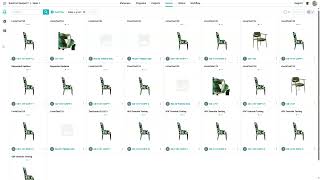
Learn how to filter Project Quotes and Orders in Surefront by selecting a field, choosing an operator like "is" or "contains," and applying it. The tutorial shows filtering quotes by color, switching to card view for details, and removing filters with the X button.
Chapters
More from Luke









youtube.com
THE COMPLETE GUIDE TO PLM IMPLEMENTATION I PART 1: SHOULD YOU INVEST IN PLM SOFTWARE? (4K UHD)
2y ago

youtube.com
THE COMPLETE GUIDE TO IMPLEMENTATION I PART 2: HOW TO PURCHASE THE BEST PLM SOFTWARE (4K UHD)
2y ago

youtube.com
THE COMPLETE GUIDE TO PLM IMPLEMENTATION I PART 3: HOW TO IMPLEMENT PLM SOFTWARE (4K UHD)
2y ago