Learn how to edit multiple items at once in Surefront using the Bulk Edit feature. Select items, go to More → Edit, choose which fields to change in the right panel, enter new values, and confirm. The process works the same way for catalog items, quotes, and orders.
Chapters
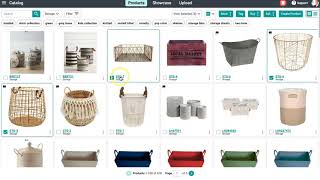
In today's video, I will be reviewing how you can make a change on multiple items in your catalog, quotes, or orders by using our bulk edit. Let's get started here in the catalog. I'm going to select a couple of items. At the top, I'm going to select the More button, and then I'll be selecting the Edit button. Your right menu panel will appear that advises you to select a field. Once you select a field, if you have any current values listed, they will appear next to your image icon. Proceed to type the new value in the blank open field and select Update once you are done. A green notification will appear in the top right corner confirming you have successfully changed your items. To view your changes, you can head back to the Bulk Edit window to see if your change is now a current value. Your other option would be to click into your product's Details page and view the change there. To make a change in a quote or order, head to your left menu panel and scroll down to your Departments and Categories section. Once redirected, select a quote or order and then select a few items to change and select the Bulk Edit button at the top. Your right window will appear to select a change to make, and just like in the catalog, your current values will be listed if there are any to show. Click Update once you are done. A green notification will also appear here for the changes you have successfully made. You can head back to the bulk edit window to do the double-checking, or you can head into an item's product details page to view the change there. For any additional questions, please feel free to reach out to support at the top of your page.